CNC TECHNICAL GUIDE
CNC Router Maintenance Checklist for Reliable Production
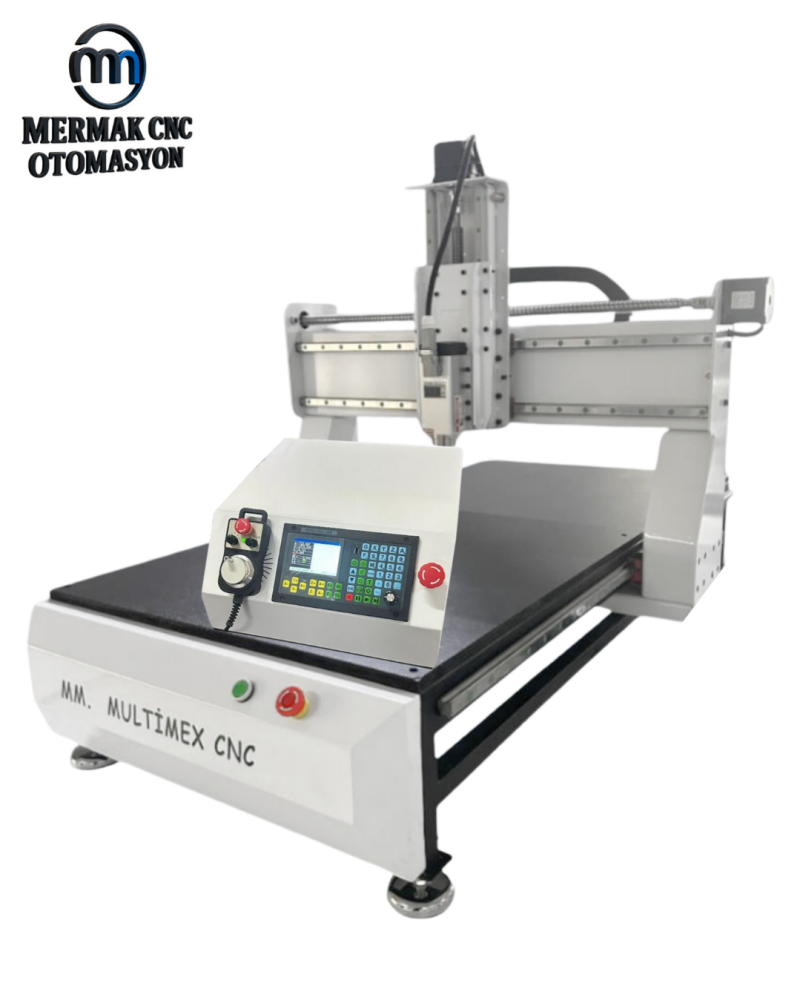
Most CNC maintenance problems begin as small changes: more dust in the cabinet, a loose tool holder, a dry guide, a damaged cable or an unrecorded parameter change. A repeatable checklist makes these changes easier to catch before they become downtime.
Daily checks
- Clean chips and dust from the working area.
- Inspect the cutter and tool holder before running.
- Check that workholding is secure.
- Listen for unusual spindle or axis noise.
- Verify extraction and cooling systems are operating.
Weekly checks
- Inspect linear guides, racks, screws and lubrication points according to the machine design.
- Check bellows, covers, wipers and cable carriers.
- Inspect vacuum table seals and spoilboard condition.
- Look for loose fasteners around high-vibration assemblies.
Electrical cabinet
Keep filters and ventilation paths clean. Heat shortens electronic component life. Do not work inside a live cabinet unless you are qualified and the required safety procedures are followed.
Spindle and tool holding
Keep collets, nuts and tapers clean. Damaged or contaminated tool interfaces can increase runout, vibration and tool breakage.
Back up parameters
Maintain current backups of controller, drive and inverter parameters. Record software versions and configuration changes after service work.
Track changes
A simple maintenance log with operating hours, lubrication, alarms and replaced parts helps identify recurring problems and improves diagnosis.